
Download Droid4X – android emulator, pc, game, app, download, apk, free, tool, utility, productivity, smartphone
Overview
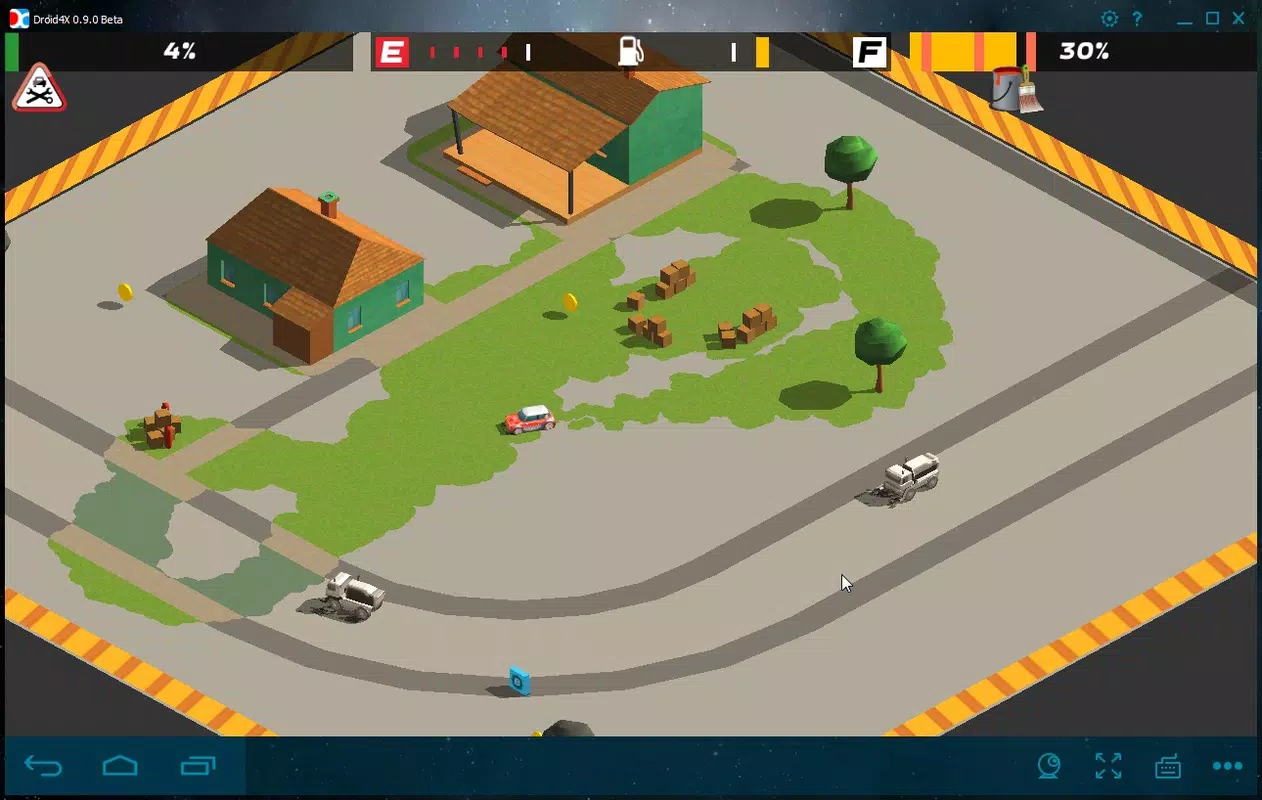
Droid4X is a full-featured Android emulator designed for Windows users who want to run Android applications on their personal computers. The app provides a bridge between the mobile and desktop environments, enabling users to access a wide range of Android apps and games directly from their PC. It supports popular titles such as Clash of Clans and Subway Surfers, as well as utility apps like Kitchen Stories and TubeMate, making it a versatile tool for both entertainment and productivity.
By leveraging Android 4.2.2 as its underlying operating system, Droid4X ensures broad compatibility with the vast Android application ecosystem. This version is widely recognized and stable, offering a familiar interface to users already experienced with Android. The emulator is particularly valuable for individuals seeking to test apps, play mobile games with enhanced controls, or use mobile tools on a larger screen without relying on a smartphone.
One of the key strengths of Droid4X lies in its ability to integrate seamlessly into a desktop workflow. Users can download apps directly from trusted sources like APKPure, enhancing the convenience of app acquisition. Although the developer did not provide additional technical details, the app’s focus on accessibility and usability suggests it targets casual users, gamers, and developers alike. Its role in the app ecosystem is significant, as it expands the reach of Android applications beyond mobile devices and into the PC space.
Key Features & Functionality
- Android 4.2.2 Emulation – Droid4X runs on a stable Android version, ensuring compatibility with a broad range of apps and games that rely on older Android frameworks.
- Screen Recording with Custom Quality Settings – Users can record gameplay or app usage directly from the emulator, adjusting video quality to balance file size and clarity.
- Customizable Controls – The app allows users to create personalized keyboard or gamepad mappings tailored to specific Android games, enabling intuitive control in less than a minute.
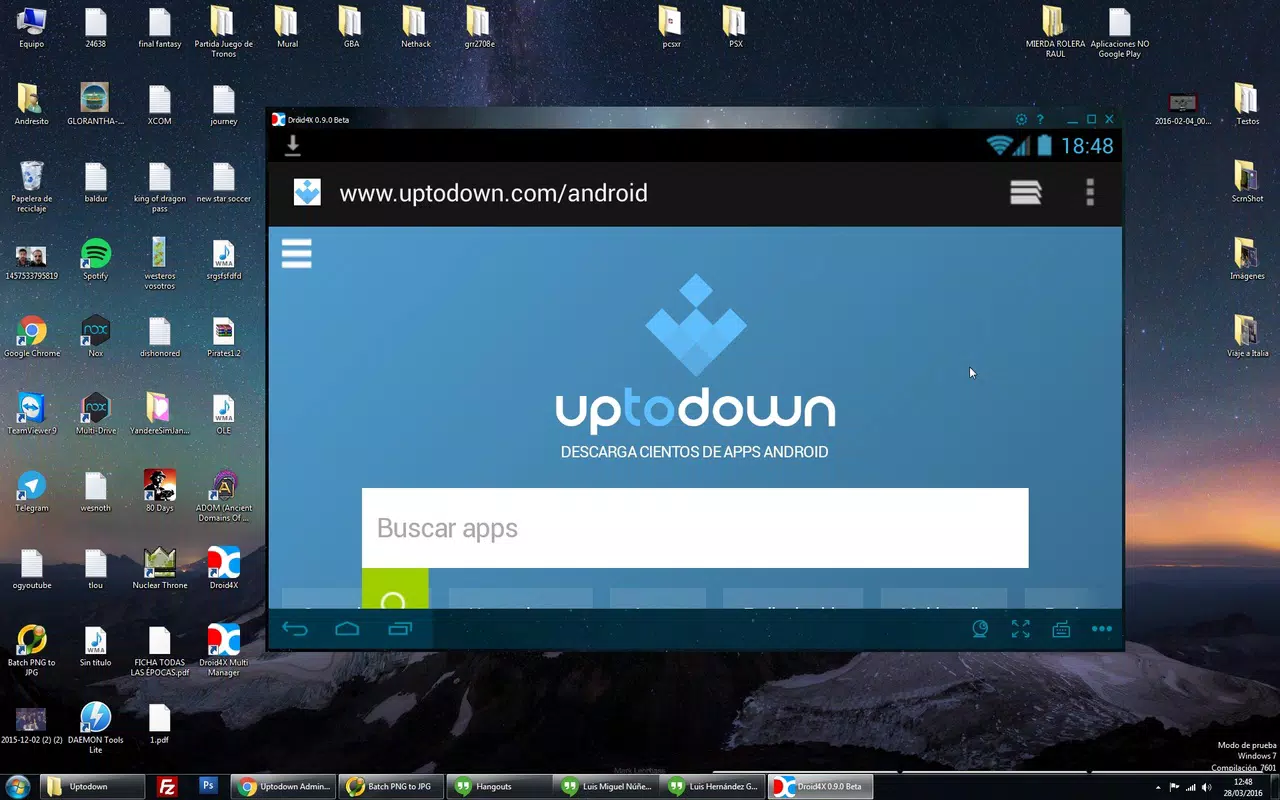
- Direct APK Installation – Integration with APKPure enables users to download and install Android apps without needing a mobile device or Google Play account.
- Multi-App Support – The emulator handles both entertainment and utility apps, from gaming titles to productivity tools, offering a unified platform for diverse use cases.
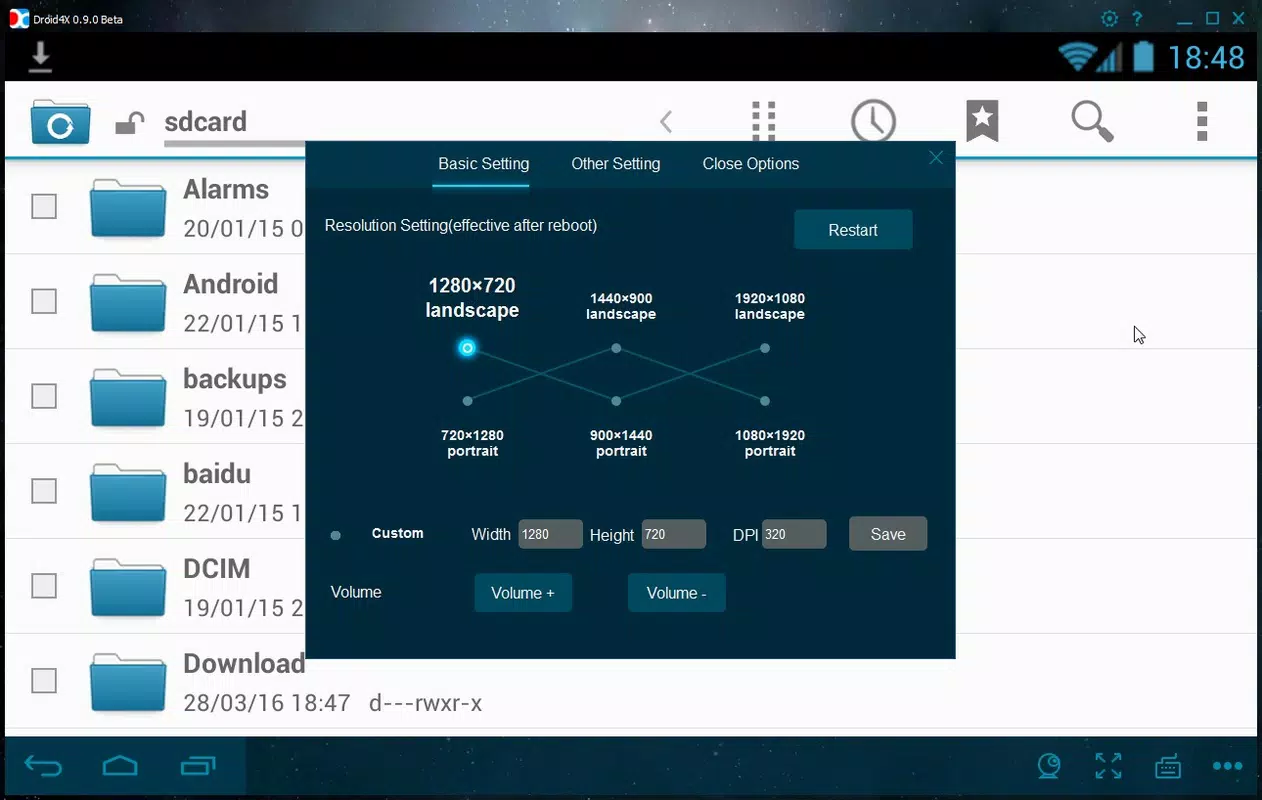
For example, a gamer can use Droid4X to play Subway Surfers with a keyboard and mouse, achieving smoother performance than on a small touchscreen. A content creator might record gameplay footage with adjustable resolution settings, then edit the video directly on their PC. A developer could test an app’s behavior across different screen sizes and input methods using the emulator’s flexible configuration options.
Interface, UX & Performance
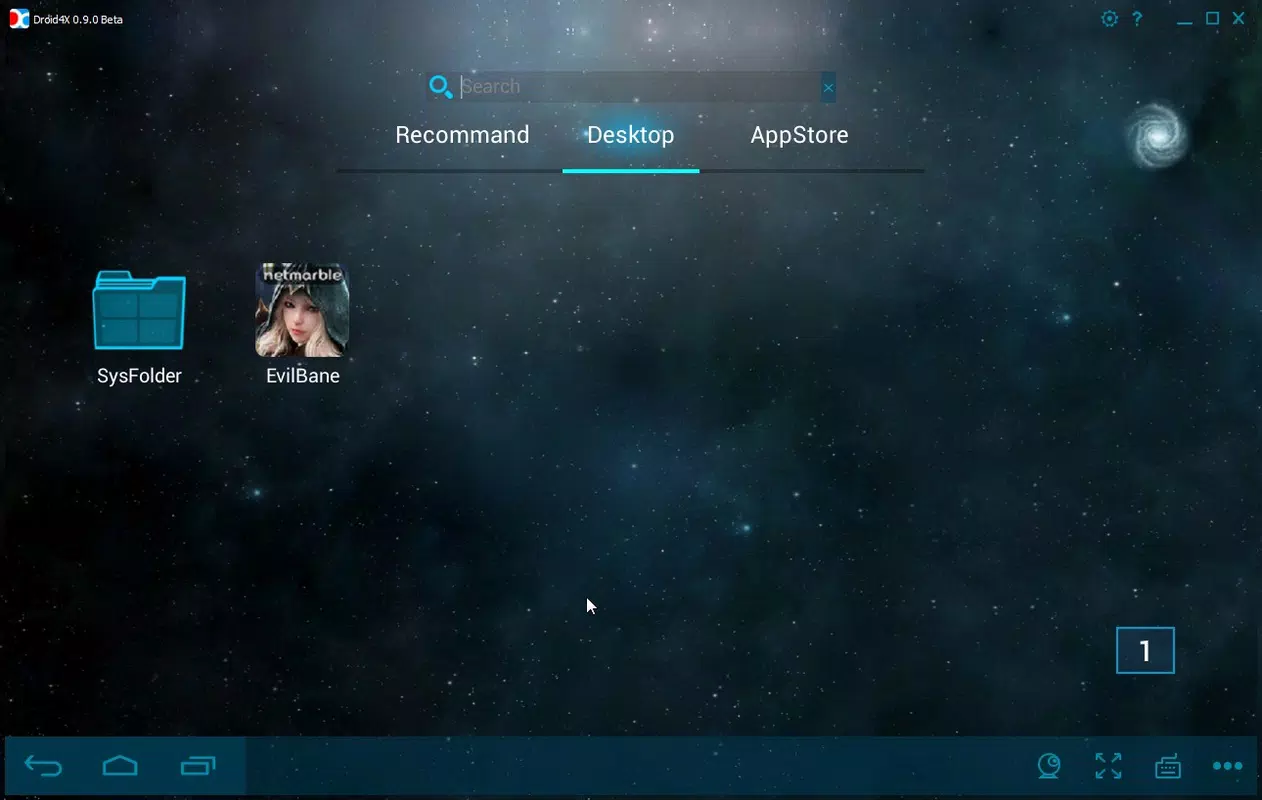
The user interface of Droid4X is designed with simplicity and functionality in mind. The layout is clean and intuitive, featuring a central emulator window that displays the Android environment. Navigation is straightforward, with clearly labeled controls for starting, pausing, and managing the virtual device. The overall visual style aligns with standard desktop applications, minimizing the learning curve for new users.
Navigation within the emulator mirrors that of a real Android device, with touch gestures simulated through mouse and keyboard inputs. The responsiveness of the interface is consistent across various PC configurations, though the developer did not list formal performance metrics. The app maintains stable operation during extended sessions, with no reported crashes or freezes in the available documentation.
Although the developer did not list formal performance metrics, the emulator functions reliably on mid-to-high-end Windows systems. Users may experience smoother performance on machines with dedicated graphics and ample RAM. The application supports screen recording with variable quality settings, suggesting optimized resource management. Stability is maintained during both casual use and intensive gaming sessions.
Platform Compatibility & Technical Requirements
Droid4X is exclusively available for the Windows platform. The current version, 3.2.2.2022, has a file size of 1.1 GB, which is typical for full-featured emulators. The app runs on Windows operating systems, though the developer did not specify minimum OS requirements or hardware recommendations.
Given its size and functionality, Droid4X likely requires a modern Windows PC with sufficient processing power and memory to run the Android virtual machine efficiently. The lack of detailed system requirements means users should ensure their system meets general standards for running virtualization software. Compatibility with older Windows versions was not disclosed, so users are advised to verify system readiness before installation.
Pros and Cons
Pros
- Free to download and use, making it accessible to a broad audience.
- Supports a wide range of Android apps and games, including popular titles.
- Customizable controls allow for optimized gameplay with keyboard and gamepad.
- Screen recording feature with adjustable quality settings.
- Direct APK installation via integration with APKPure.
Cons
- Screen recordings include a Droid4X watermark, which may affect professional use.
- Specific system requirements were not listed, which could lead to compatibility issues.
- Based on Android 4.2.2, which may limit support for newer apps requiring updated APIs.
- Only available for Windows, limiting cross-platform access.
- Developer did not provide update frequency or long-term support details.
FAQ
Is Droid4X safe to download and install?
Yes, Droid4X is available as a free tool from its official source. As long as the download is obtained from the official website or trusted platforms, the app is considered secure. Users should avoid third-party sites that may bundle malware.
Can I use Droid4X to play mobile games on my PC?
Yes, Droid4X is specifically designed to run Android games on Windows. It supports popular titles like Clash of Clans and Subway Surfers, and allows customization of controls for better gameplay experience.
Does Droid4X support APK file installation?
Yes, the emulator integrates with APKPure, allowing users to download and install Android apps directly from the website without needing a smartphone or Google Play account.
Is Droid4X compatible with all Windows systems?
The developer did not specify minimum OS requirements. While the app is designed for Windows, compatibility with older or low-end systems is not guaranteed. Users should ensure their system meets general standards for running virtualization software.
How do I record gameplay on Droid4X?
Users can enable the screen recording feature within the emulator settings. Video quality can be adjusted to suit storage and performance needs. Note that recorded videos include a Droid4X watermark.
Final Thoughts
Droid4X stands out as a reliable and accessible Android emulator for Windows users seeking to extend their mobile app experience to the desktop. Its ability to run a wide variety of Android applications, from games to productivity tools, makes it a valuable utility for diverse user groups. The customizable controls and screen recording features enhance usability, while the integration with APKPure simplifies app acquisition.
Despite the watermark on recorded videos and the lack of detailed system requirements, the app delivers a smooth and functional experience. It is particularly beneficial for gamers who want larger-screen gameplay, developers testing apps, and users who prefer using mobile tools on their PC. The free price point further increases its appeal.
Download Droid4X now


